
Variants
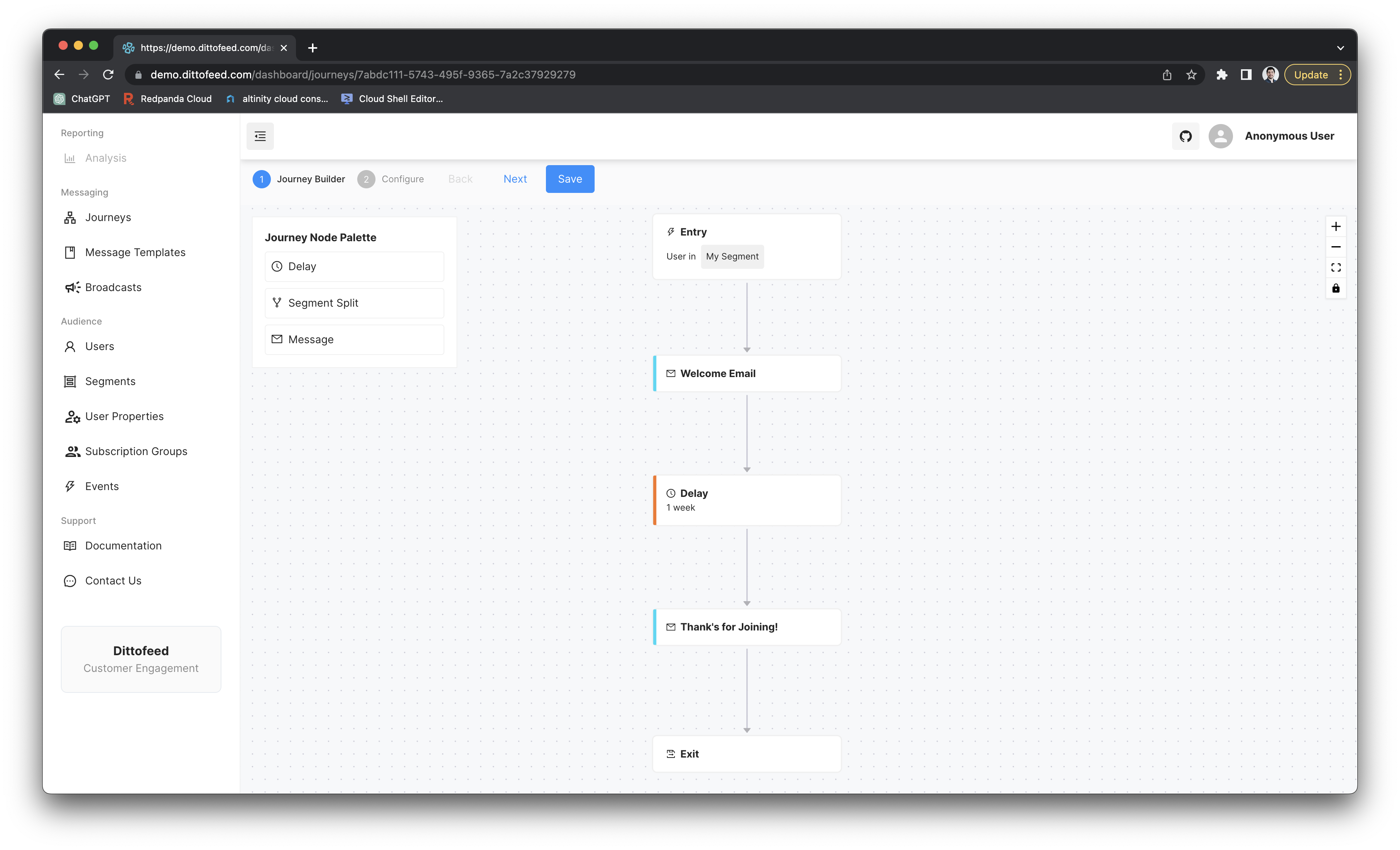
Hardcoded Delay
The simplest variant specifies that the user should wait for a fixed amount of time in the journey.Localized Delay
The localized delay variant allows you to specify a delay so that the journey waits for a specific time of day and/or day of the week in the user’s timezone.Timezone Resolution
The system determines the user’s timezone using the following priority order:- User’s
timezoneproperty - If the user has atimezoneuser property set (e.g.,"America/New_York"), this takes highest priority - User’s
latLonproperty - If no timezone property is set but the user has alatLonproperty (e.g.,"33.812511,-117.9189762"), the timezone is derived from the geographic coordinates - Default timezone - If neither user property is available, the journey’s configured default timezone is used
- UTC - As a final fallback, UTC is used if no other timezone information is available
User Property Delay
This variant allows you to specify a user property that the node will attempt to parse as a timestamp. The node will then wait for the date specified by the user property. The user property should resolve to either an ISO 8601 string, a unix timestamp in seconds, or a unix timestamp in milliseconds.Example Use Case - Welcome Email