> ## Documentation Index
> Fetch the complete documentation index at: https://docs.dittofeed.com/llms.txt
> Use this file to discover all available pages before exploring further.
# Performed - Segment Node
> Condition on whether users have performed a specific action.
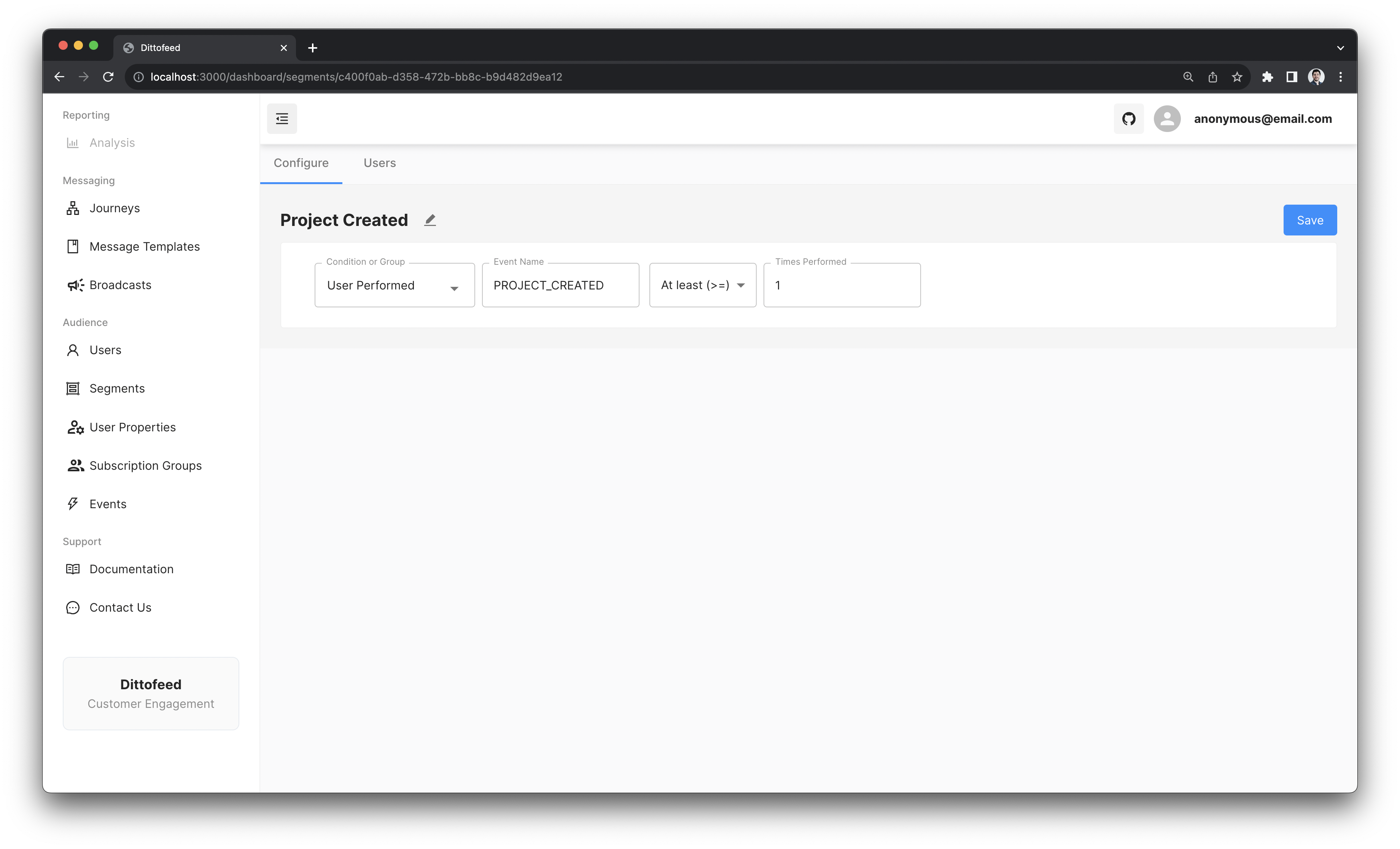
The performed segment node allows you to target users who have performed a specific action.
{" "}
`Performed` segments are calculated synchronously from within [event entry Journeys](/resources/journey-nodes/entry#event-entry).
This guarantees that the segment value will incorporate the triggering events'
properties when rendering message templates within the journey.{" "}
## Example Use Case - Created Their First Project
Imagine you're building an application. Your application internally has "projects". You want to target users who have created their first project with instructions on how to make the most of your application. You might then create a performed segment on the `PROJECT_CREATED` event.
***
## Walkthrough Video