> ## Documentation Index
> Fetch the complete documentation index at: https://docs.dittofeed.com/llms.txt
> Use this file to discover all available pages before exploring further.
# Email - Segment Node
> Segment on the outcome of a particular email.
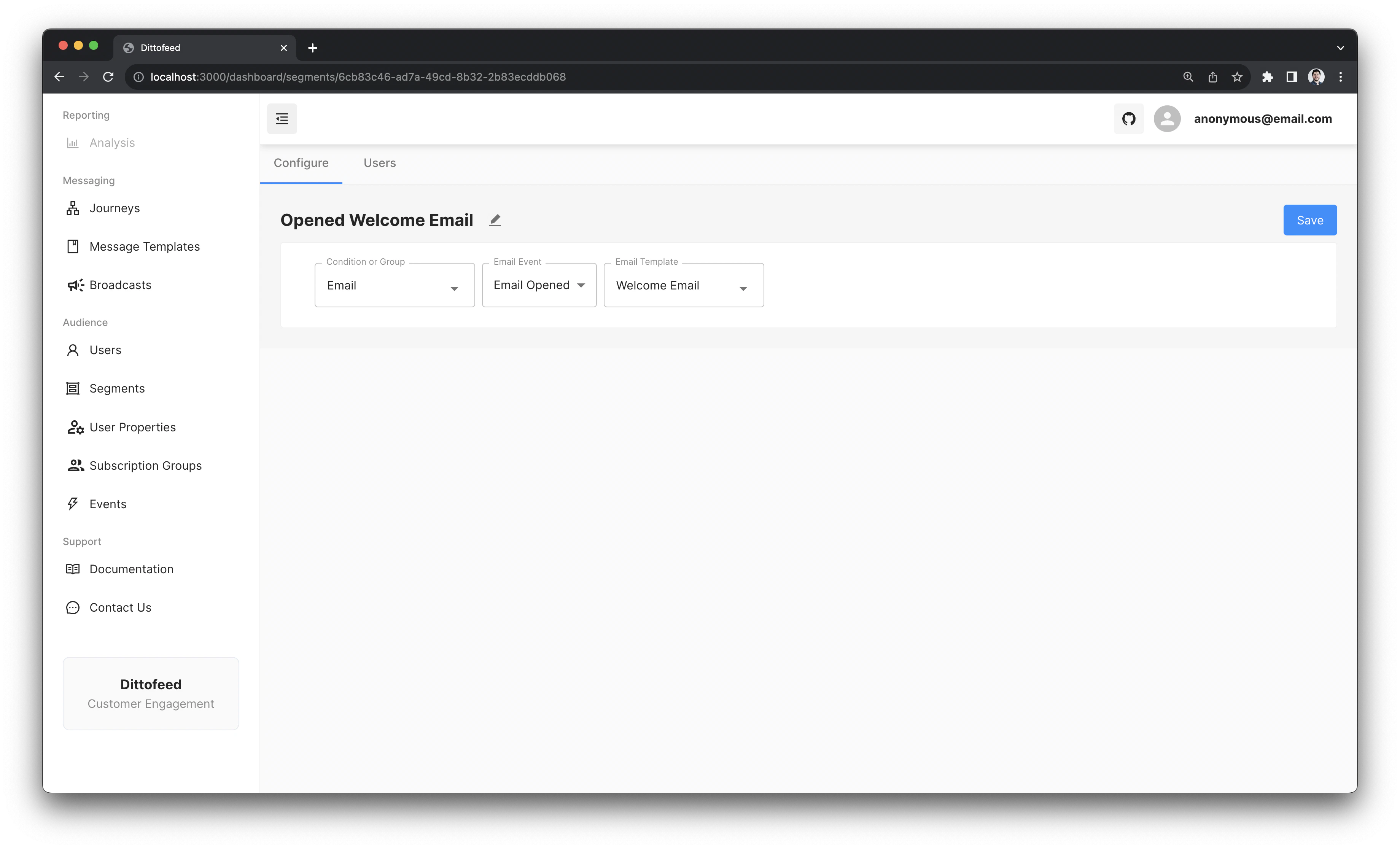
Email segments are used to segment on the outcome of a particular email. For example, you may want to segment on users who have opened an email, or users who have clicked a link in an email.
Email events which can be segmented upon include:
* Email Opened
* Email Clicked
* Email Bounced
* Email Delivered
* Email Marked as Spam
* Email Dropped
* Email Sent
***
## Walkthrough Video
 ***
## Walkthrough Video
***
## Walkthrough Video