> ## Documentation Index
> Fetch the complete documentation index at: https://docs.dittofeed.com/llms.txt
> Use this file to discover all available pages before exploring further.
# Broadcasts
> Using broadcasts to manually trigger journeys.
Broadcasts are useful for manually triggering journeys. This is useful for sending one-off messages to a group of users. This is great for usecases like:
* Newsletters
* Product updates
* Promotions
* Announcements
## Steps
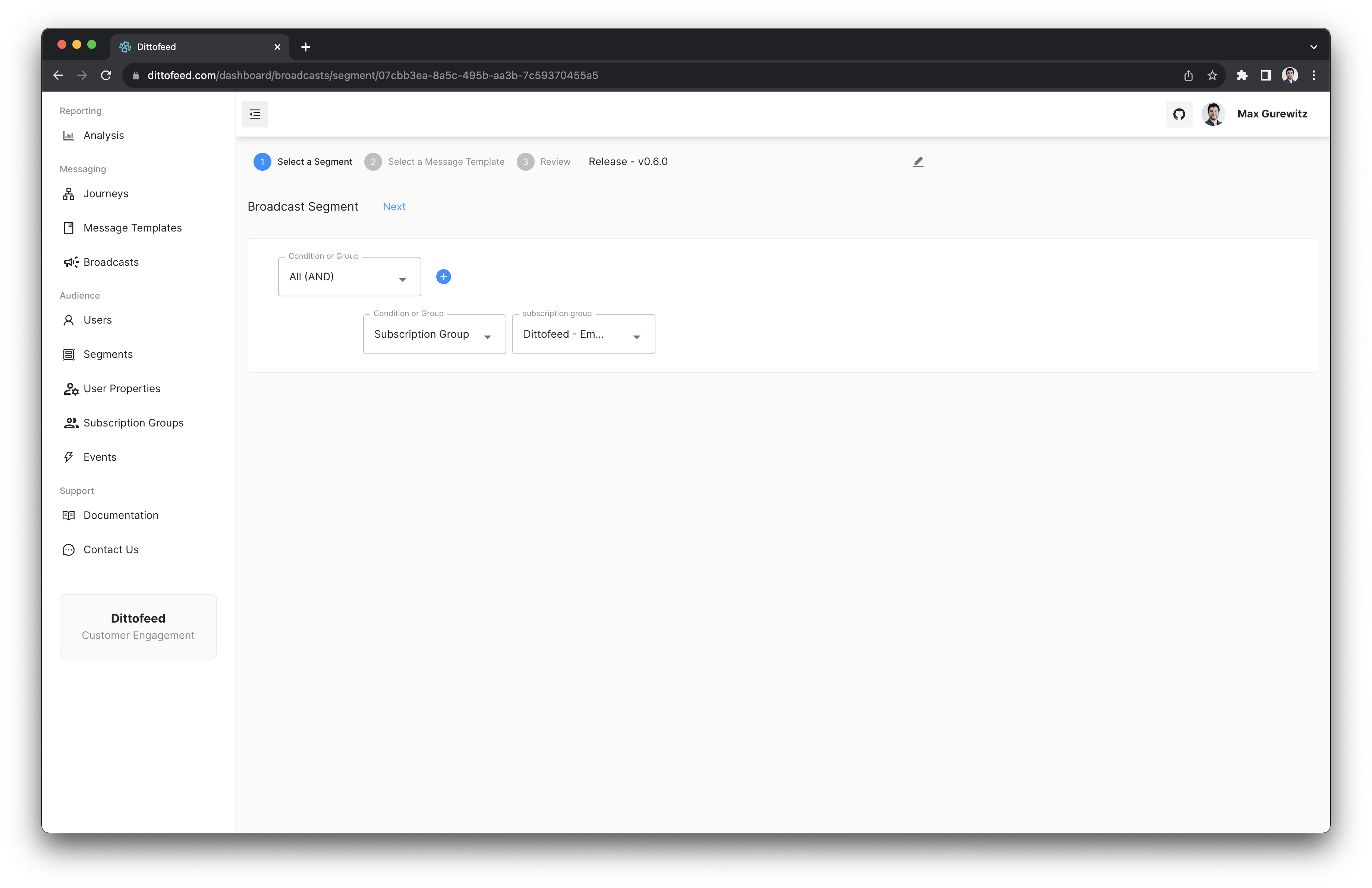
1. Create a segment which contains the users you'd like to broadcast to.
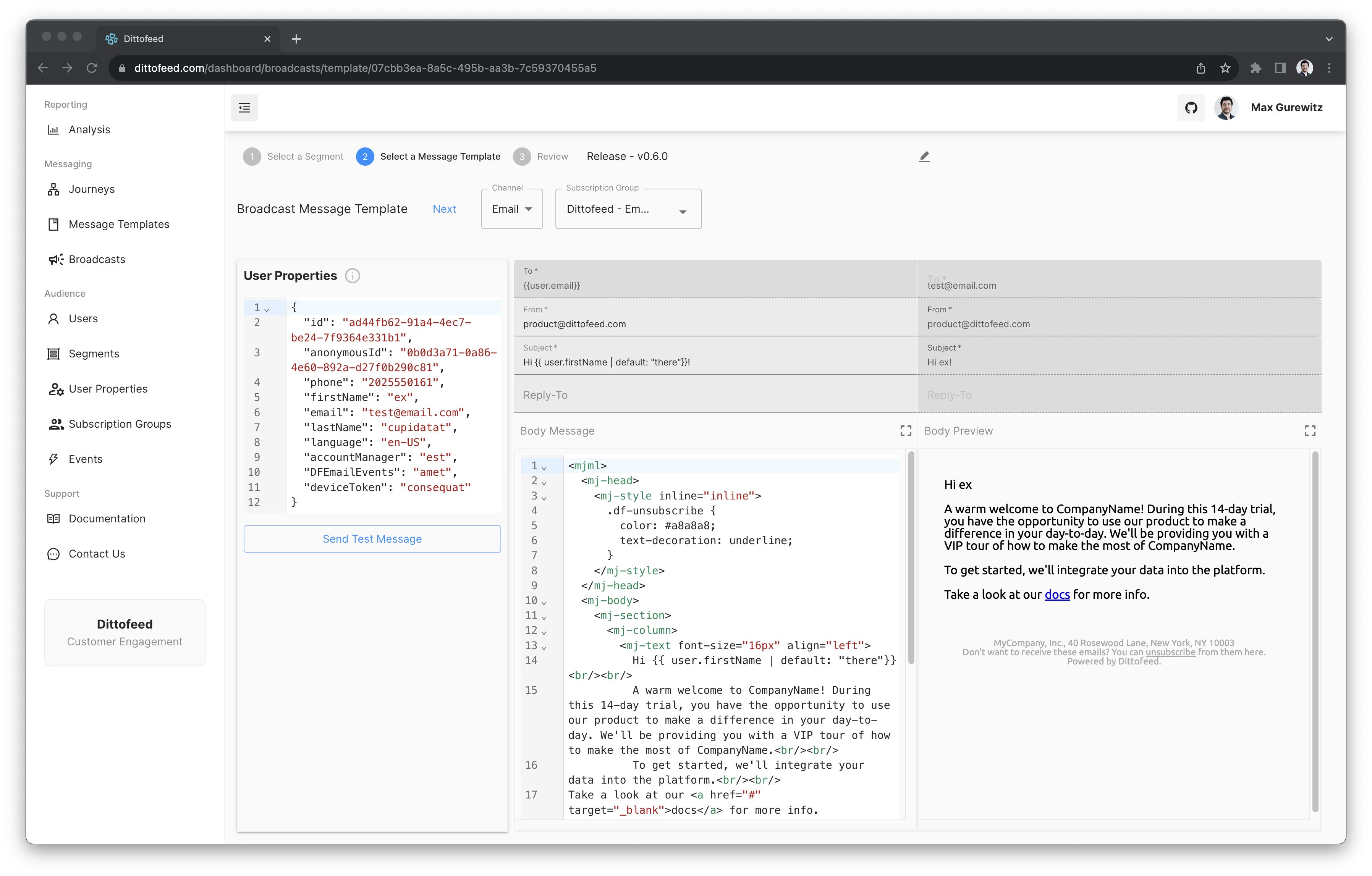
2. Create a template for the broadcast, optionally selecting a subscription group.
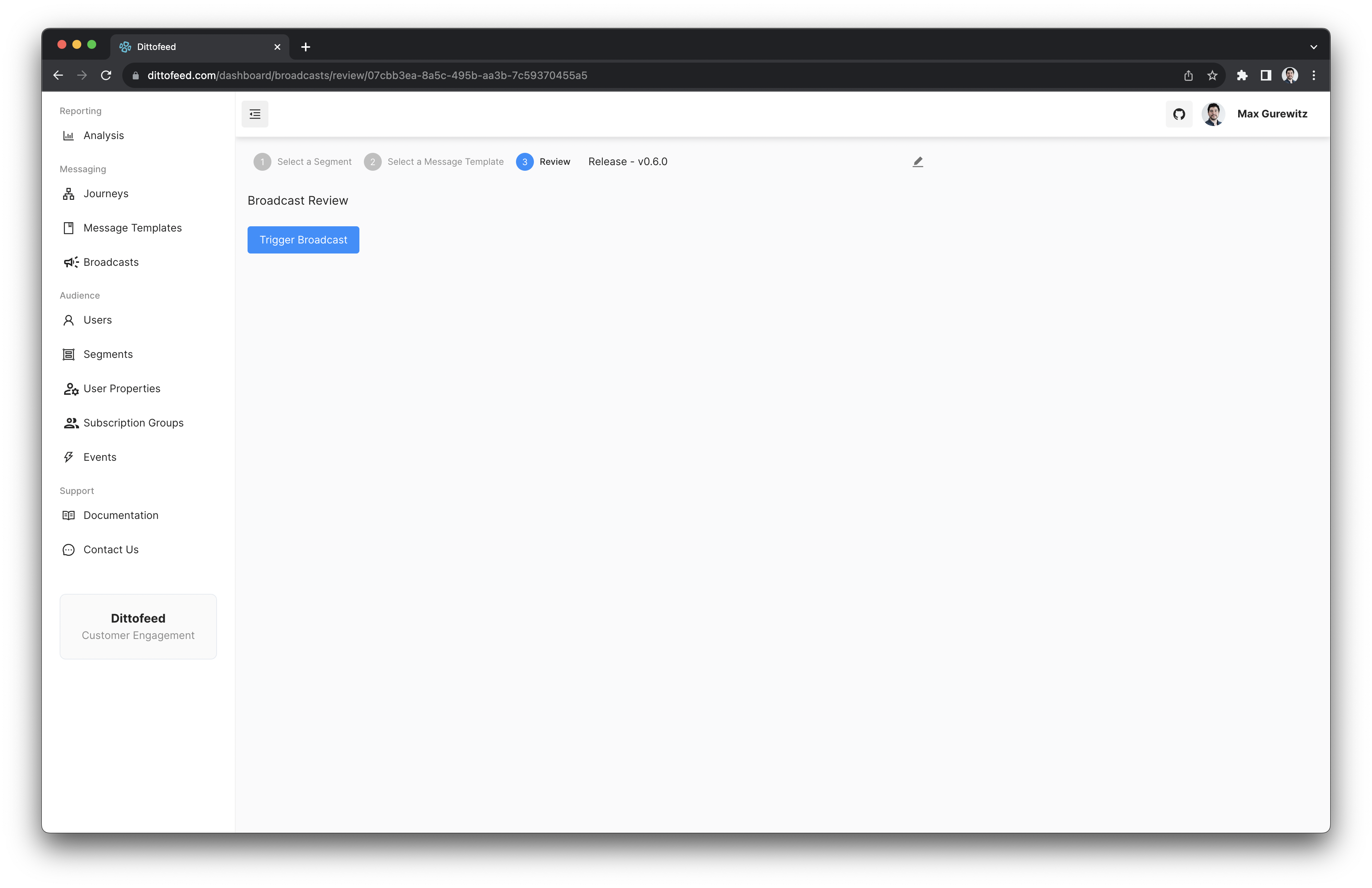
3. Submit the broadcast!
***
## Broadcasts Walkthrough Video
 2. Create a template for the broadcast, optionally selecting a subscription group.
 3. Submit the broadcast!
 ***
## Broadcasts Walkthrough Video
***
## Broadcasts Walkthrough Video