> ## Documentation Index
> Fetch the complete documentation index at: https://docs.dittofeed.com/llms.txt
> Use this file to discover all available pages before exploring further.
# Using Segment.io as a Source
[Segment](https://segment.com/) is one of the most popular available "customer data platform"s - "CDP" for short. Segment serves as a centralized repository of user data, sourced from, and available to a variety of marketing, and analytics platforms - including Dittofeed.
Feed user data from Segment into Dittofeed to start sending users messages.
## Using a Self-Hosted Webhook Destination
You can send a self-hosted Dittofeed installation user data with a Segment webhook Destination.
Segment's [webhook destination documentation](https://segment.com/docs/connections/destinations/catalog/webhooks/).
Check out Dittofeed's [guide on self-hosting](/deployment/self-hosted).
Dittofeed receives segment data from its `POST /api/public/webhooks/segment` [endpoint](/api-reference/endpoints/webhooks/segment). To receive data from Segment, this path needs to be exposed to the internet by public dns.
Configure Segment to send its event payloads to your Dittofeed installation, [`POST /api/public/webhooks/segment`](/api-reference/endpoints/webhooks/segment). For example, `https://my-dittofeed-host.com/api/public/webhooks/segment`.
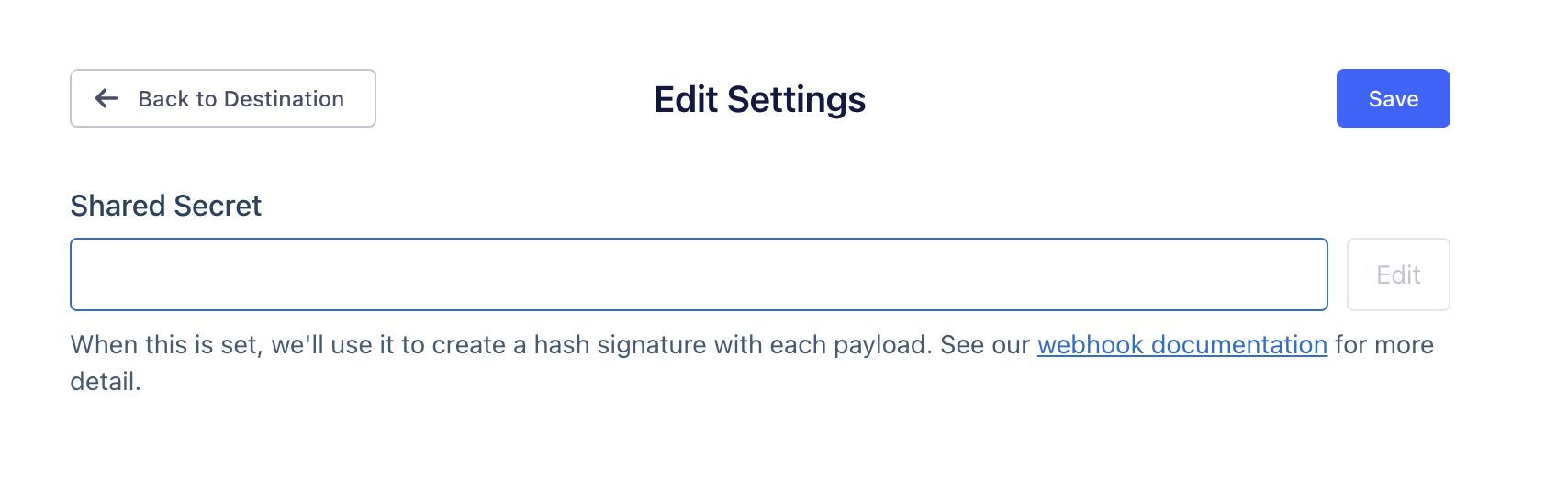
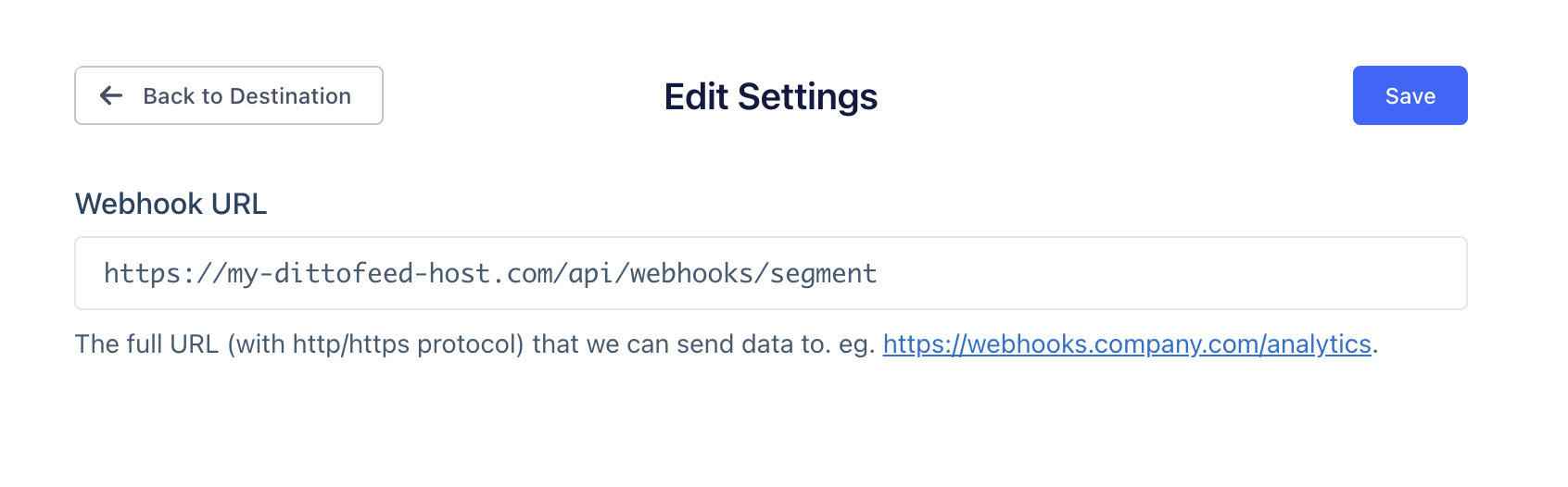 Next add a shared secret to Segment.
You can generate shared secrets using password generators, like [1password's](https://1password.com/password-generator/)
Next add a shared secret to Segment.
You can generate shared secrets using password generators, like [1password's](https://1password.com/password-generator/)
 Finally, add that same shared secret to Dittofeed on the settings page `/dashboard/settings#segment-source`.
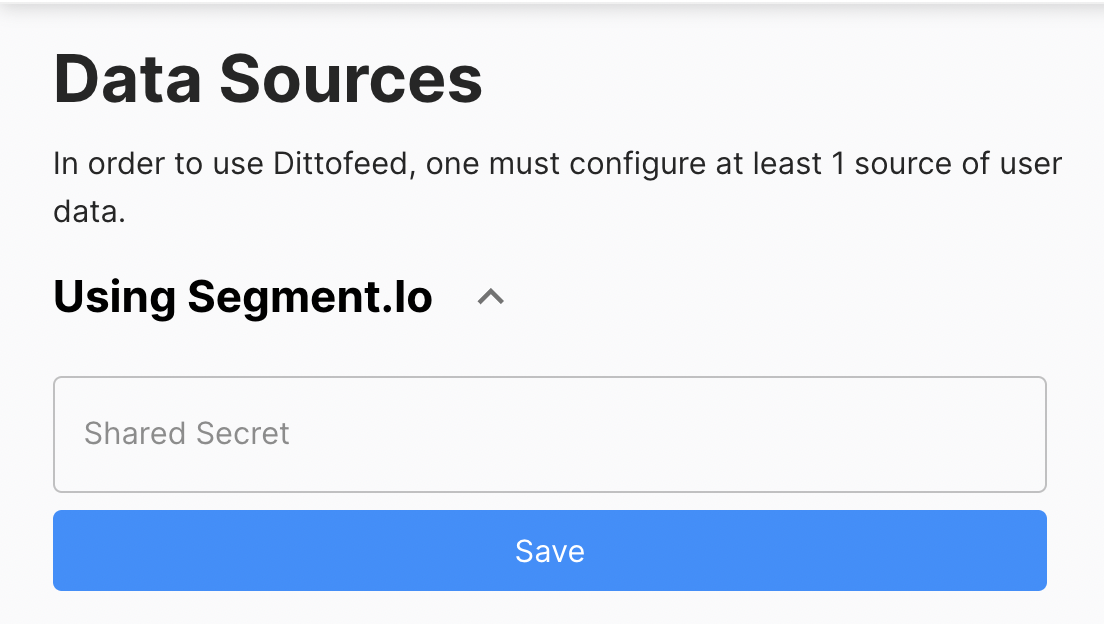 That's it. At this point your Segment payloads should be flowing through Dittofeed.