> ## Documentation Index
> Fetch the complete documentation index at: https://docs.dittofeed.com/llms.txt
> Use this file to discover all available pages before exploring further.
# Hubspot Destination
> Sync information back into Hubspot.
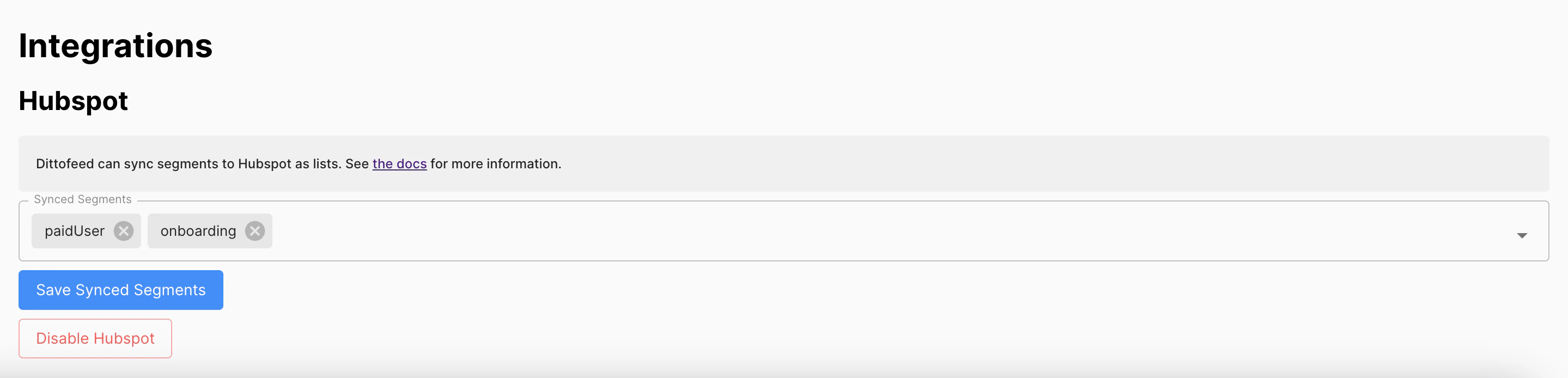
Enable Dittofeed's Hubspot integration to sync information back into Hubspot. The integration can be enabled on the settings page: [/dashboard/settings#hubspot-integration](https://app.dittofeed.com/dashboard/settings#hubspot-integration).
This integration allows you to sync segments as Hubspot lists, and user emails as Hubspot engagements.
## Hubspot Lists
Add contacts to [Hubspot lists](https://knowledge.hubspot.com/lists/create-active-or-static-lists), mirroring the users present in the select segments.
 ## Hubspot Engagements
Add engagement records to Hubspot contacts, mirroring the emails sent to users from Dittofeed.
## Hubspot Engagements
Add engagement records to Hubspot contacts, mirroring the emails sent to users from Dittofeed.