> ## Documentation Index
> Fetch the complete documentation index at: https://docs.dittofeed.com/llms.txt
> Use this file to discover all available pages before exploring further.
# Twilio SMS Integration
Dittofeed can integrate with Twilio to send SMS.
## Integration Instructions
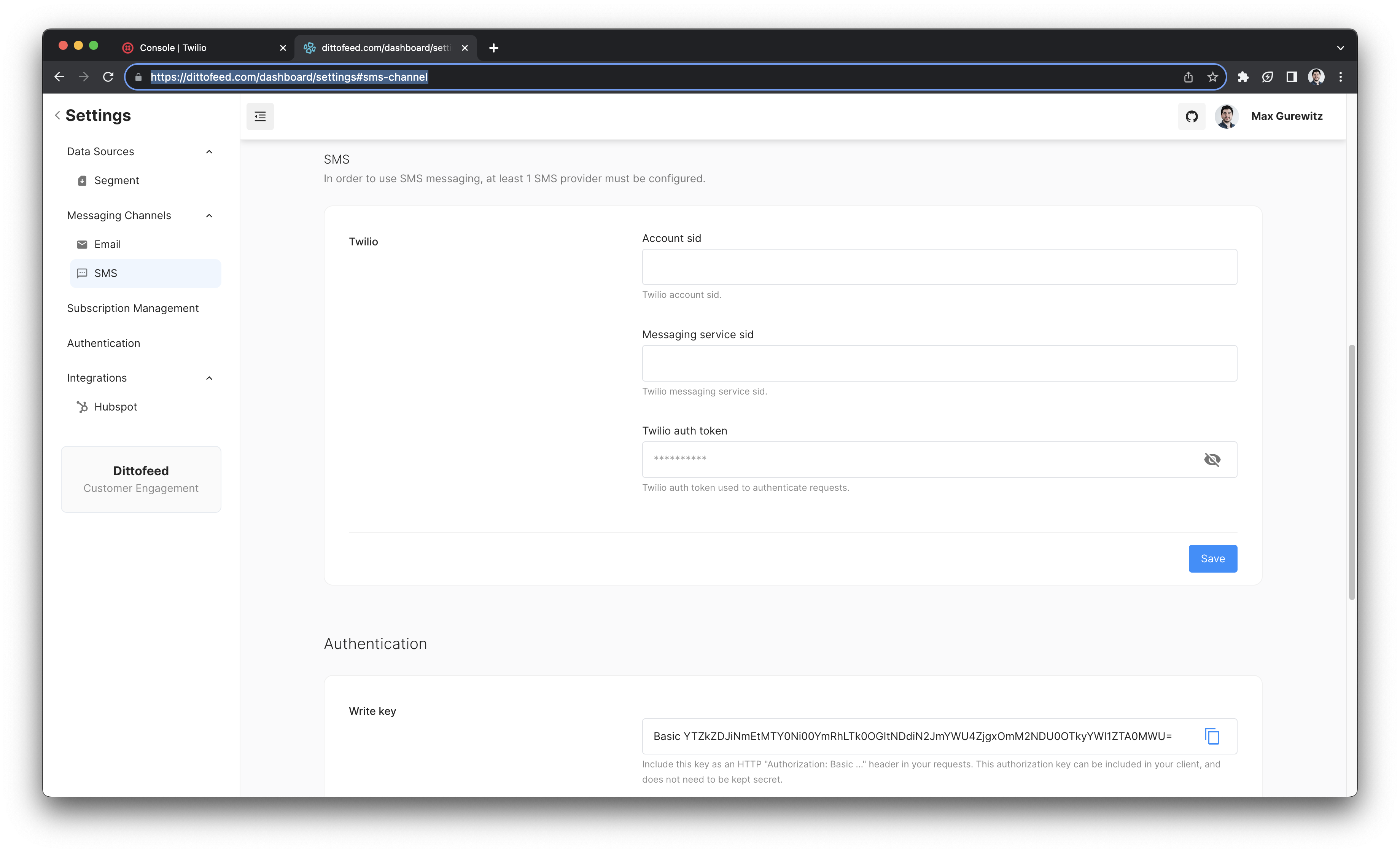
Once you've created a twilio account there are a few necessary pieces of information you'll need to provide to Dittofeed:
1. Your Twilio Account SID
2. Your Twilio Auth Token
3. Your Twilio Messaging Service SID
These can be input in the settings page [dashboard/settings#sms-channel](https://app.dittofeed.com/dashboard/settings#sms-channel)
 ### Acquiring an Account SID and Auth Token
Go to the Twilio API keys page [https://console.twilio.com/console/account/keys-credentials/api-keys](https://console.twilio.com/console/account/keys-credentials/api-keys) and create a new API key.
### Acquiring an Account SID and Auth Token
Go to the Twilio API keys page [https://console.twilio.com/console/account/keys-credentials/api-keys](https://console.twilio.com/console/account/keys-credentials/api-keys) and create a new API key.
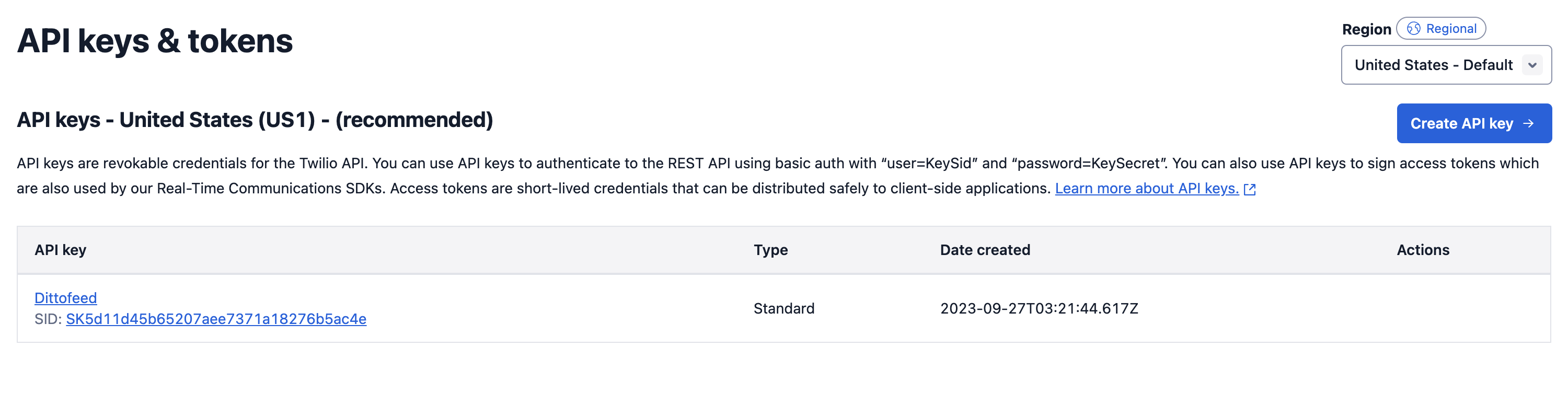 This will give you an Account SID and Auth Token.
### Acquiring a Messaging Service SID
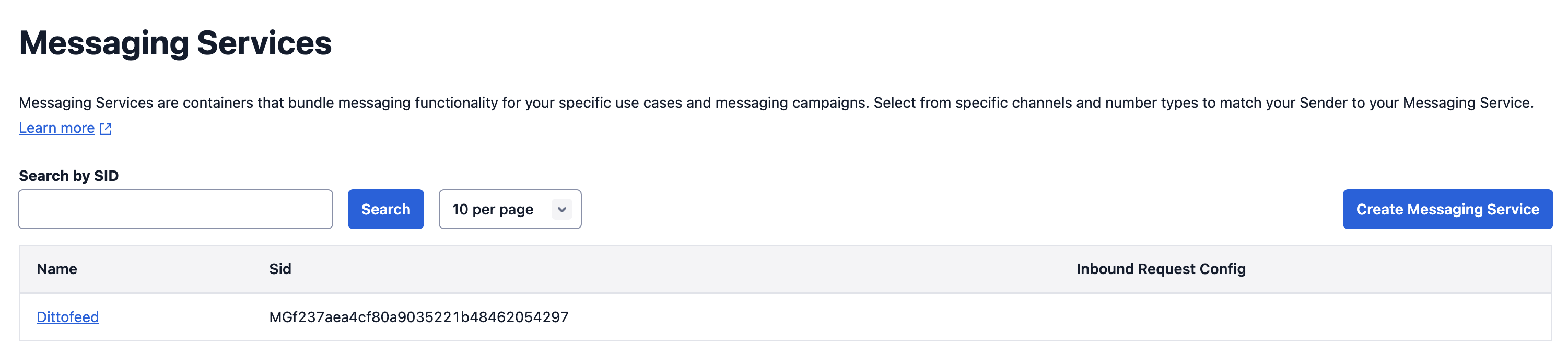
Go to the Twilio Messaging Services page [https://www.twilio.com/console/sms/services](https://www.twilio.com/console/sms/services) and create a new Messaging Service. This will provide you with a Sid.
This will give you an Account SID and Auth Token.
### Acquiring a Messaging Service SID
Go to the Twilio Messaging Services page [https://www.twilio.com/console/sms/services](https://www.twilio.com/console/sms/services) and create a new Messaging Service. This will provide you with a Sid.