> ## Documentation Index
> Fetch the complete documentation index at: https://docs.dittofeed.com/llms.txt
> Use this file to discover all available pages before exploring further.
# SMTP Server Integration
Dittofeed can integrate with basic SMTP servers to send emails. Many third-party email services exist for testing the quality and deliverability of your emails, such as [Mailtrap](https://mailtrap.io/). Using SMTP as an email provider is useful for integrating with these services.
Note that we don't recommend using SMTP for production email delivery. With a plain SMTP server, you'd lose access to spam and delivery rate metrics, which dedicated email service providers are able to provide via their relationships with ISPs.
## Integration Instructions
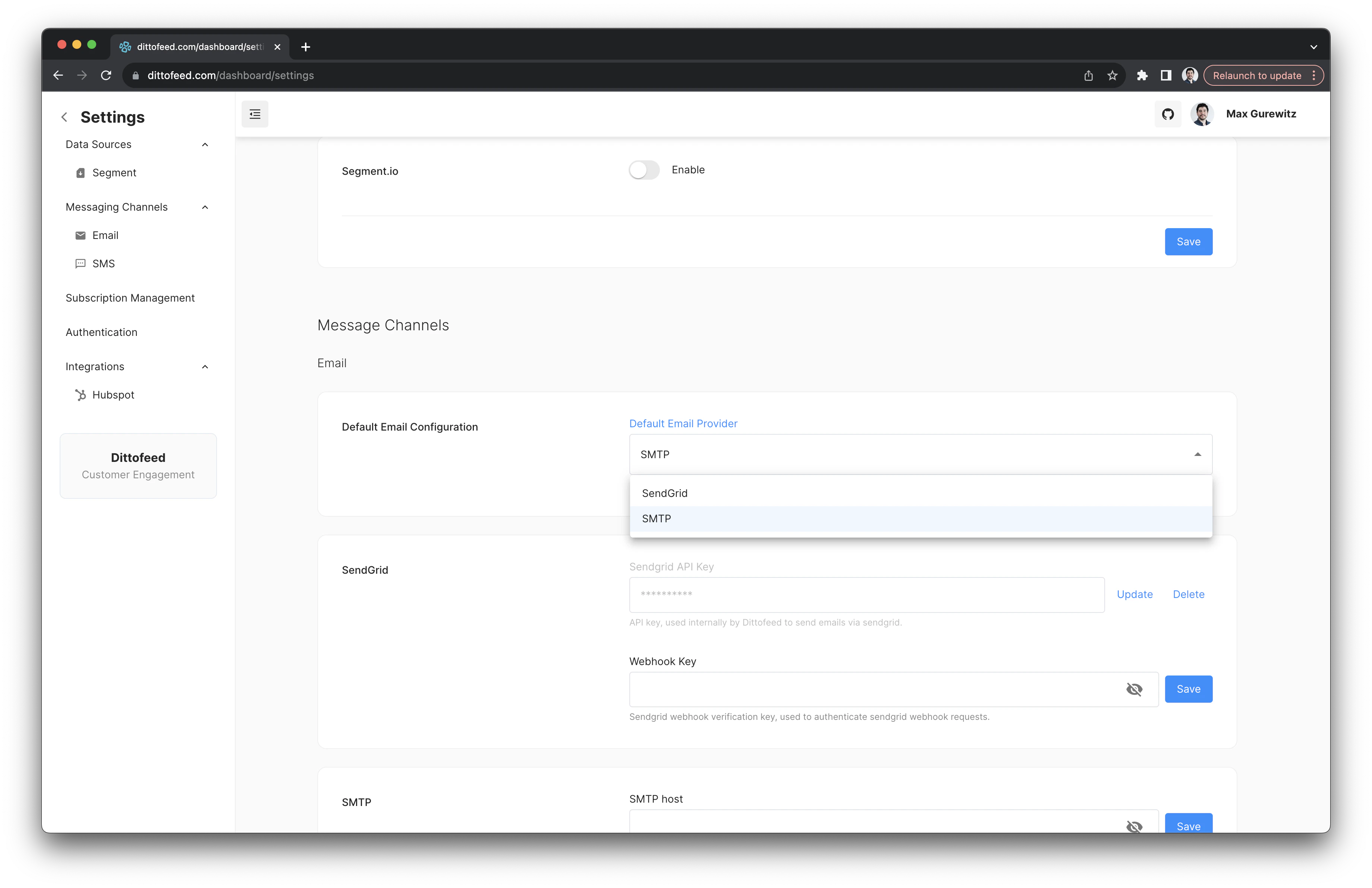
Navigate to the [/dashboard/settings](https://app.dittofeed.com/dashboard/settings) page SMTP section.
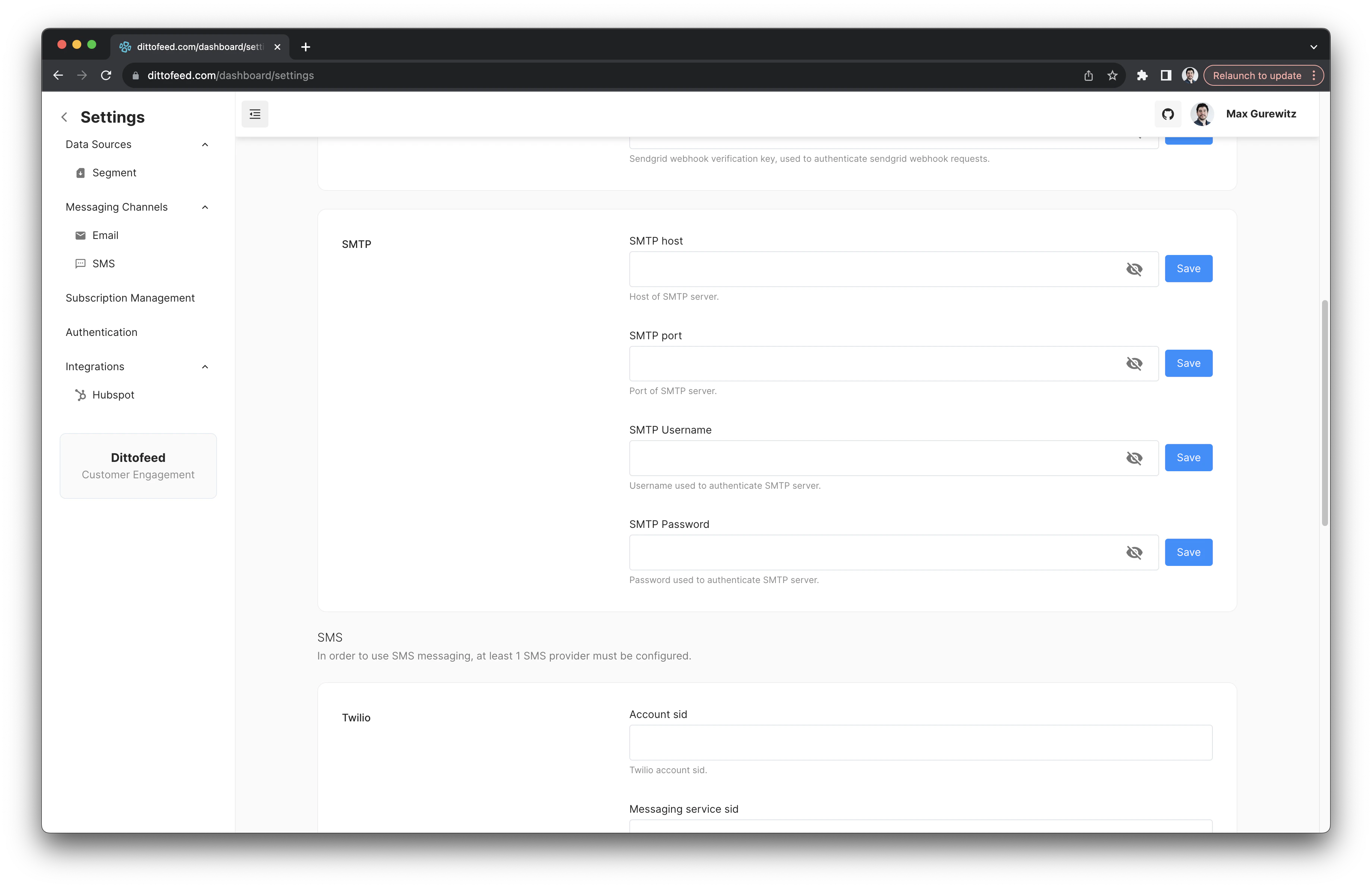 Configure your SMTP server settings, including your host, port, username, and password. Then select SMTP as the default email provider.