> ## Documentation Index
> Fetch the complete documentation index at: https://docs.dittofeed.com/llms.txt
> Use this file to discover all available pages before exploring further.
# Accessing the Admin API
The Admin API allows you to manage your Dittofeed workspace programmatically. These endpoints are prefixed with the path `/api/admin`. Unlike public `/api/public` endpoints, Admin API endpoints require an Admin API key.
## Creating an Admin API Key
Admin API keys can be created from the settings page [`/dashboard/settings#admin-api-key`](https://app.dittofeed.com/dashboard/settings#admin-api-key).
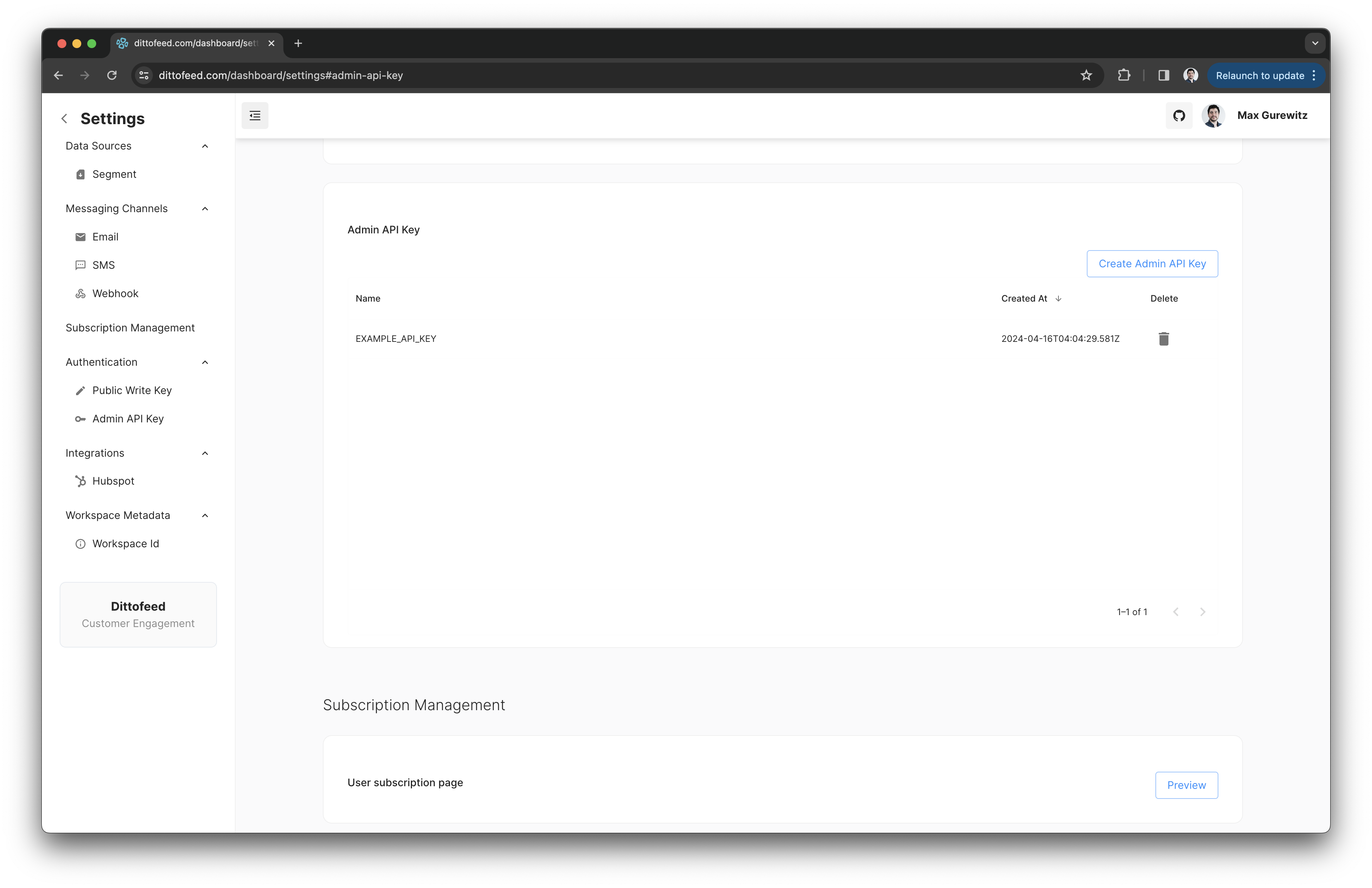 Once an Admin API key is created, its value can't be read again. Make sure to write it down and store it securely.
## Using an Admin API Token
To authenticate with the Admin API, include the Admin API key in the `Authorization` header of your requests.
```
Authorization: Bearer
```
Once an Admin API key is created, its value can't be read again. Make sure to write it down and store it securely.
## Using an Admin API Token
To authenticate with the Admin API, include the Admin API key in the `Authorization` header of your requests.
```
Authorization: Bearer
```